![logo-effectconnect-liggend-2021.png]](https://www.effectconnect.com/hs-fs/hubfs/Logo%20EffectConnect/logo-effectconnect-liggend-2021.png?height=24&name=logo-effectconnect-liggend-2021.png)
Logging in to EffectConnect
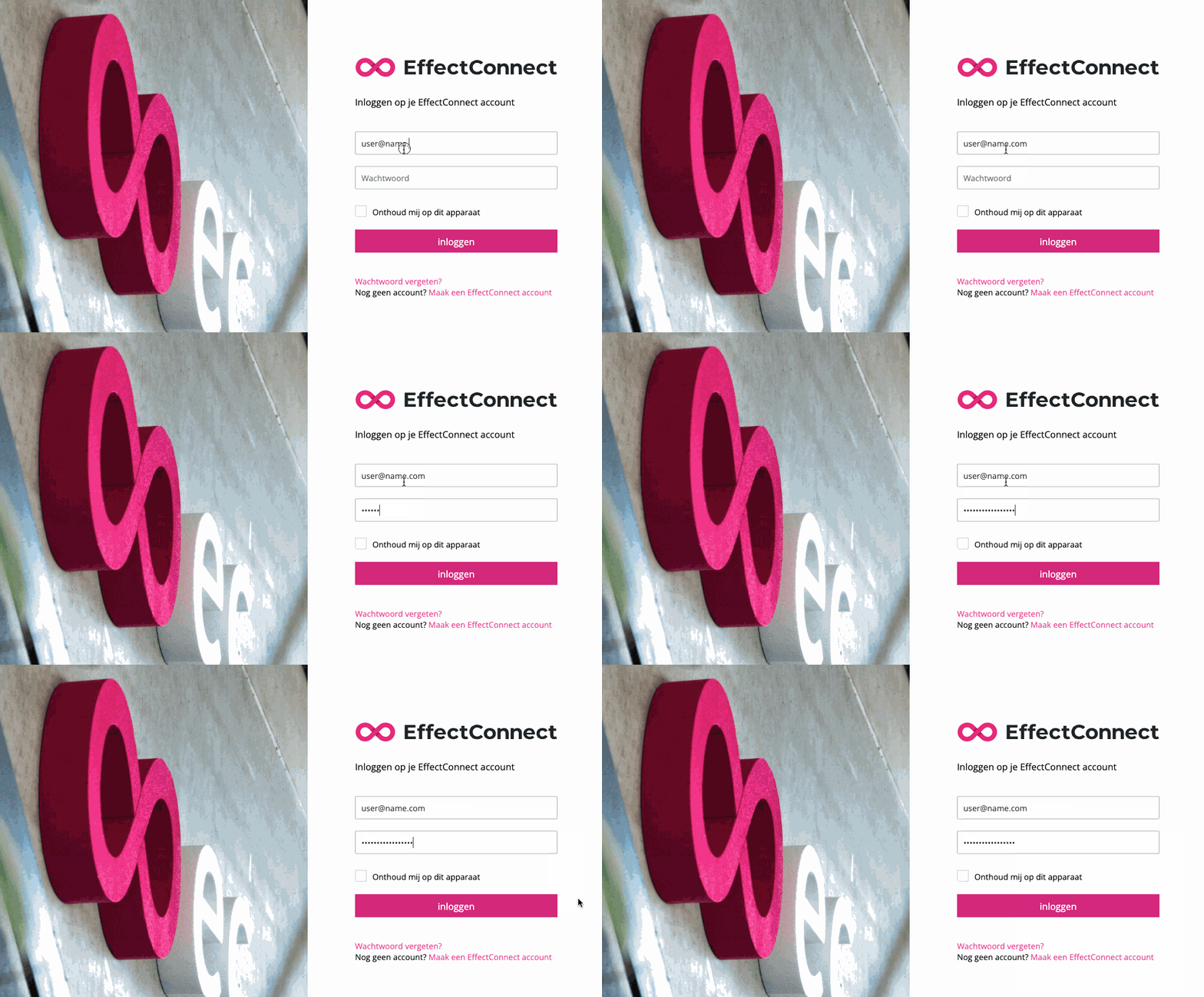
Logging in to EffectConnect is quick and easy.
Option 1: Go to www.effectconnect.com and click ‘EffectConnect login’ in the top-right corner.
Option 2: Go directly to the EffectConnect login page.
Forgot your password?
Click ‘Forgot password’ to receive an email with a link to reset your password.
 You must reset your password on the same computer from which you requested the password reset.
Session timeout
For security reasons, EffectConnect automatically logs you out after 30 minutes of inactivity.
To continue working in EffectConnect, simply log in again.
EffectConnect contains sensitive data, so this session timeout helps keep your account and information secure. Our platform undergoes regular security checks, and the 30-minute session timeout also helps us meet the security requirements of our corporate customers.
Updating your account details
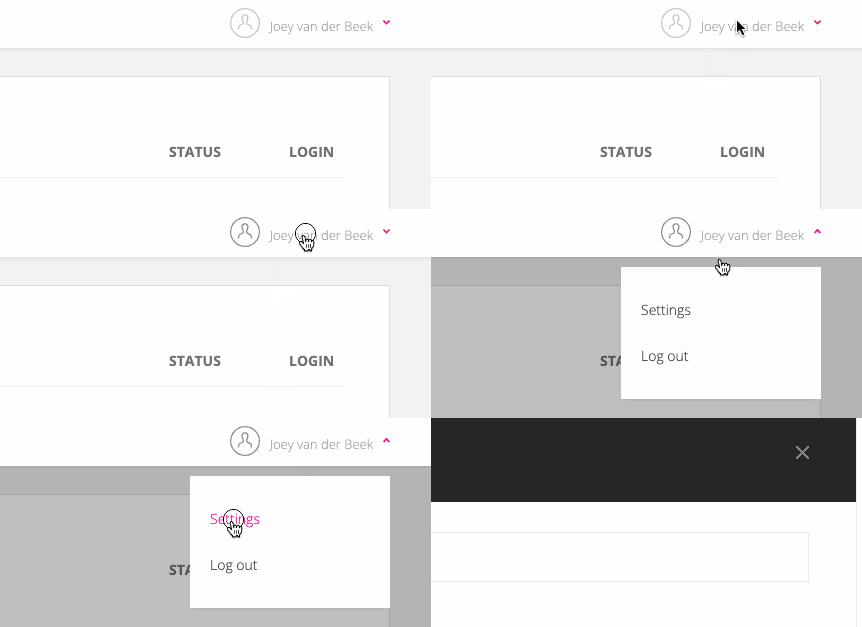
You can update your customer and account details directly in EffectConnect. Follow the steps below: