![logo-effectconnect-liggend-2021.png]](https://www.effectconnect.com/hs-fs/hubfs/Logo%20EffectConnect/logo-effectconnect-liggend-2021.png?height=24&name=logo-effectconnect-liggend-2021.png)
EffectConnect sends you emails in certain situations, for example when an order export fails. By default, these emails go to all users linked to the account.
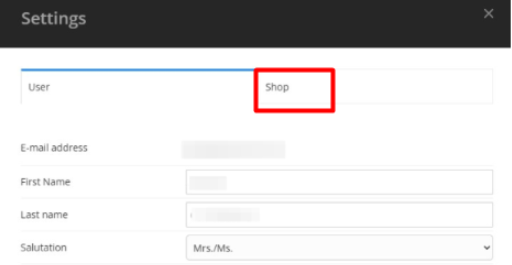
You can turn notifications on or off per shop:
- In the top right corner of EffectConnect, click the button with your name.
- Click Settings.
- Go to the Shop tab.
- For each shop, turn the email notification toggle on or off.
🔗 Read more in How do I log in to EffectConnect and manage my account settings?