![logo-effectconnect-liggend-2021.png]](https://www.effectconnect.com/hs-fs/hubfs/Logo%20EffectConnect/logo-effectconnect-liggend-2021.png?height=24&name=logo-effectconnect-liggend-2021.png)
Media management is the central library for all media you link to products: images and documents. It's a single library for all your catalogs in which you create products yourself. If you have more than one such catalog, all media are still kept together.
You'll find Media management under Catalog > Product management > Media.
Go to:
Which files can you use?
| Kind | Supported |
|---|---|
| Images | jpg, jpeg, png, gif, webp, bmp, tif, tiff, avif, heic |
| Documents | pdf, doc, docx, xls, xlsx, ppt, pptx, txt, csv, rtf, odt, ods |
| Not supported | SVG and video |
Each file can be a maximum of 50 MB. A file is recognised by its file extension, not by its contents.
Uploading and managing media
- Go to Catalog > Product management > Media.
- Upload the files. After uploading, they appear in the overview.
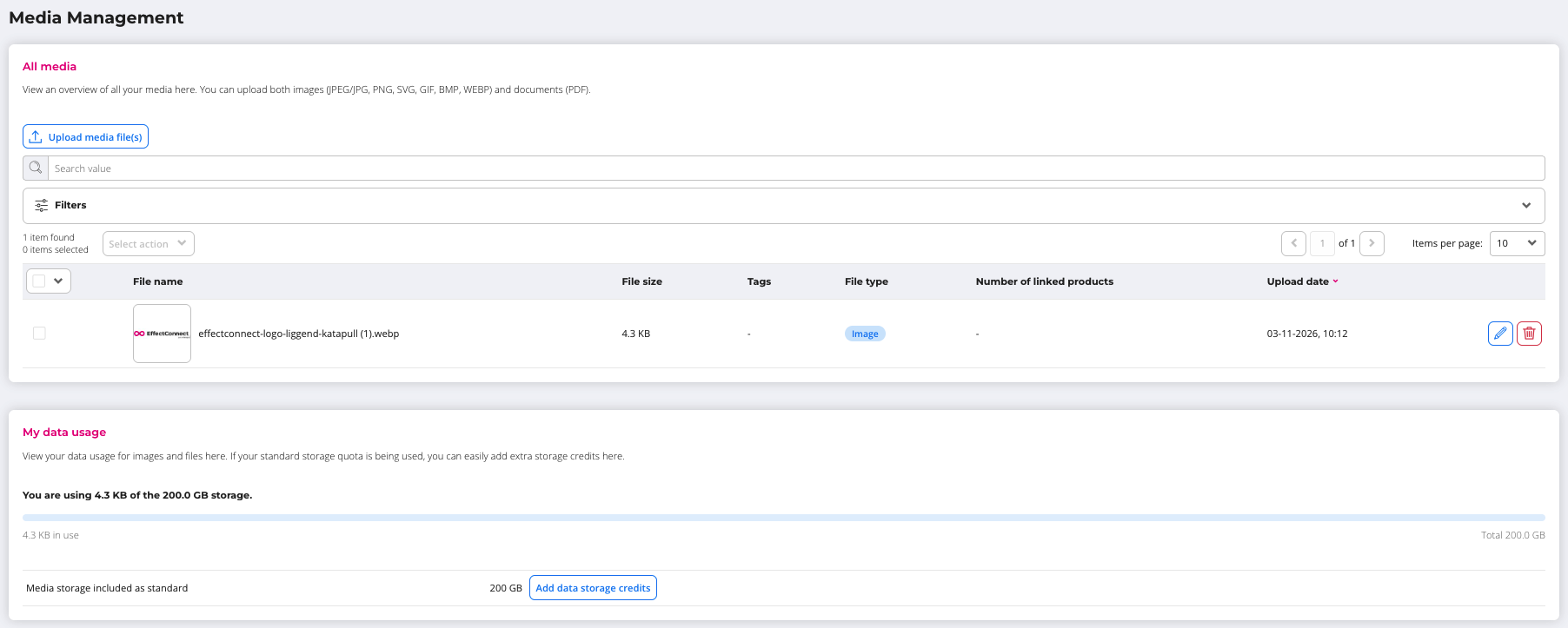
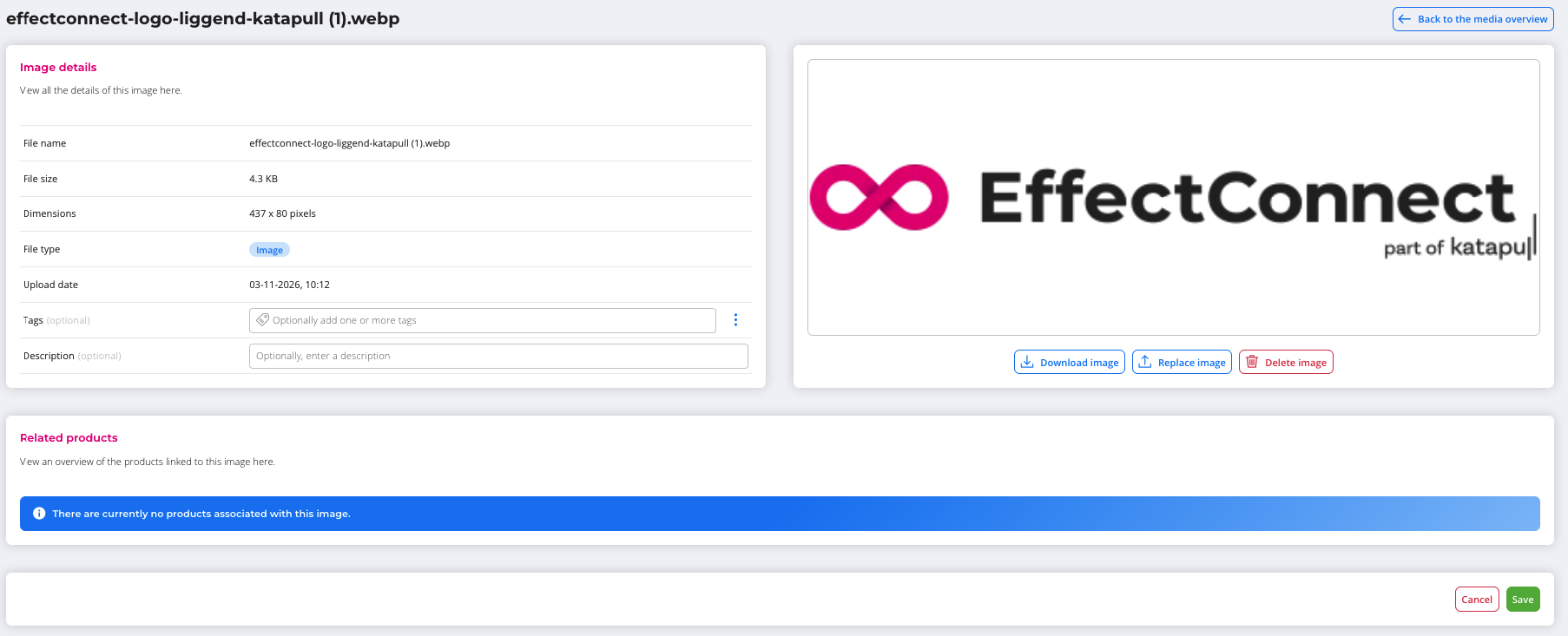
- In the overview, click the eye icon next to a file to open its detail page. There you can add tags and a description, which make filtering easier later.
- The overview also shows which products a file is linked to.
On the detail page, you can download, replace or delete the file.
ℹ️ Good to know: replacing or deleting in Media management applies immediately to all linked products. When you replace a file, the old file is truly replaced: it disappears and there is no overview of earlier versions. The delete pop-up shows which products (and in which catalog) will be affected. Always read that list carefully before you confirm.
Linking images to a product
- Open the product and go to the Images tab.
- Upload new images, or choose one or more existing images from Media management.
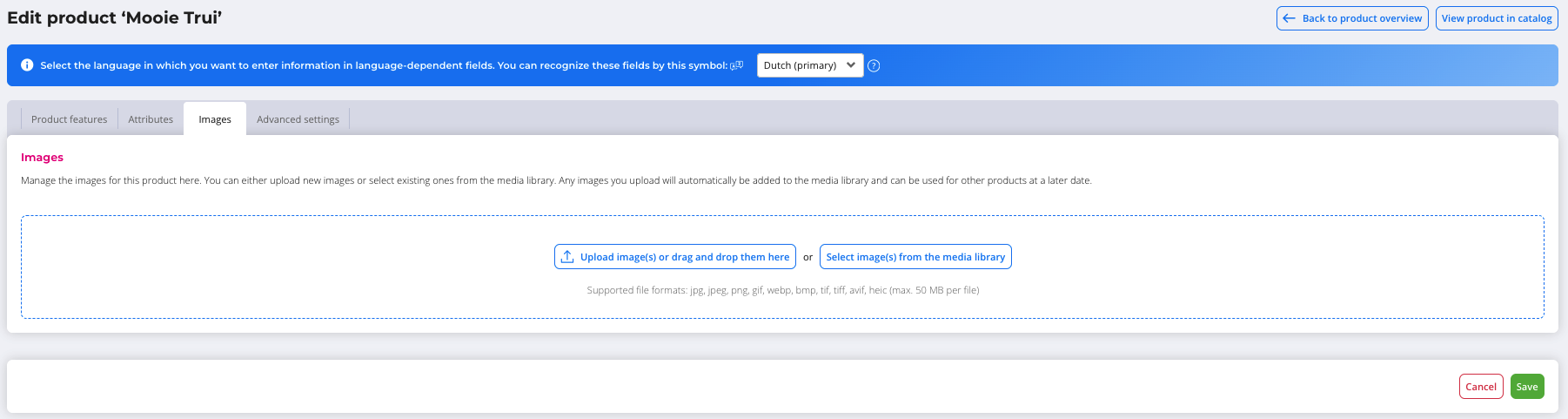
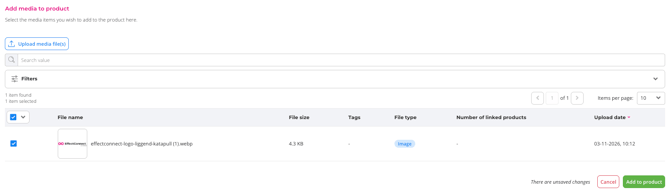
- A new upload automatically ends up in Media management as well. You'll get a notification that the image was added to the media library.
- Change the order by dragging.
- With the icons on an image (visible when you hover over it), you can view the image in large size in a pop-up, or unlink it from the product.
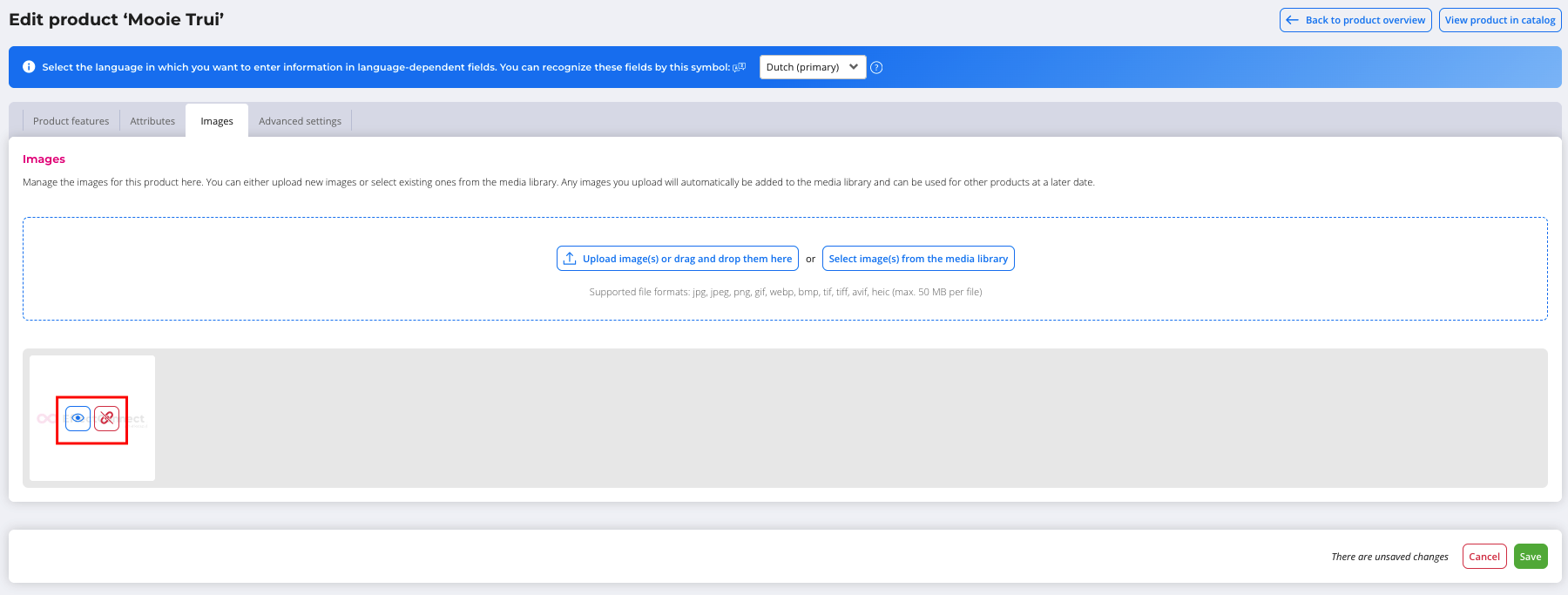
- Save.
Unlinking an image from a product doesn't delete it from Media management.
ℹ️ Good to know: for a main product, the images end up in the catalog at product level. A variant can have its own images, for example a colour image.
ℹ️ Good to know: for a bundle of products that don't come from Product Management, the images of those products are regular URLs. They are therefore not in Media management.
Storage limit
You have 200 GB of storage, plus any storage credits you've bought. If you reach your limit, new uploads are blocked. You'll get a notification and can buy extra storage credits.
In case you have any further queries, you can always contact us!
📩 Email us at support@effectconnect.com
💬 Contact us via chat or give us a quick call