Connect Magento to Amazon, bol and more and manage your marketplace sales centrally
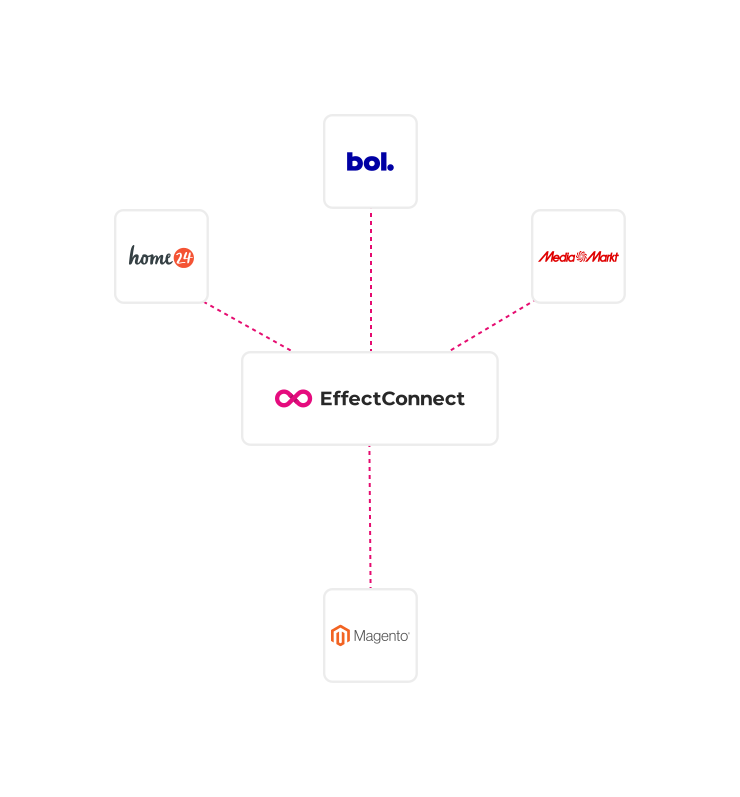
With EffectConnect's Magento integration, your store serves as the foundation for your product catalog. Products, inventory and pricing are automatically pushed to the right marketplaces, while orders flow straight back into the right Magento store.
“We chose EffectConnect's integration, because all our marketplace orders end up exactly where we need them, in Magento.”
Why Magento sellers connect marketplaces through EffectConnect
-
Full control over your marketplace strategy - A direct plugin pushes products to a single marketplace with no further control. With EffectConnect, you set the rules per marketplace: which products you sell, at what price and under what conditions.
-
One integration, 50+ marketplaces - Manage your catalog, inventory and pricing in Magento. EffectConnect distributes that data to marketplaces like Amazon, bol and Kaufland, without needing a separate connection for each channel.
-
Support from marketplace experts - Our team helps you configure your integration and sharpen your strategy, from assortment decisions and pricing to improving your Buy Box position.
Sell on multiple marketplaces from your Magento environment
Use Magento as the source for your product data and let EffectConnect handle the sync with your chosen sales channels.
A solid Magento plugin
EffectConnect offers a reliable Magento plugin that ensures stable, accurate data exchange between your store and your marketplaces, covering products, inventory and orders.
Support for multiple stores and store views
Using multiple Magento stores or store views? EffectConnect routes orders to the right store or store view based on your own rules, keeping your administration and order processing clean and consistent.
Automatic track and trace updates
Once an order gets shipped, EffectConnect automatically forwards the tracking information to the marketplace. Buyers are kept in the loop and your delivery reliability stays on point.
Get your Magento marketplace integration up and running in 5 steps
For most sellers, Magento is already at the heart of their online operations. EffectConnect connects to that foundation to make sure your products appear correctly on marketplaces and that incoming orders land in the right Magento store.
Step 1: Install the EffectConnect Magento 2 plugin
Install the EffectConnect plugin in your Magento 2 environment. If needed, ask your web developer to help and test on a staging environment first.
Step 2: Connect Magento 2 to EffectConnect
Generate API keys in your EffectConnect account for your Magento store. This allows the plugin to securely exchange data between Magento 2 and EffectConnect. No EffectConnect account yet? Schedule a demo to get started.
Step 3: Configure your plugin settings
Set up the plugin to match your situation. Think about which store view to import, which price field to use and how orders should be routed. Our team will guide you through this during onboarding.
Step 4: Add your marketplaces
Select the marketplaces you want to sell on, such as Amazon or bol, and define which products you offer per channel and under what conditions.
Step 5: Go live and optimize
Once the integration is active, your listings go live. From there, we work with you to keep improving your assortment, pricing strategy and Buy Box performance.
Process marketplace orders directly in your Magento environment
Receiving orders through Amazon or other marketplaces, but want to handle everything in your back-office or ERP? With EffectConnect's order integration, marketplace orders flow automatically into the right Magento store and are processed in one central flow.
FAQs
Got questions about the Magento integration? Find the most common ones answered below. Prefer to talk it through? Schedule a demo and speak with our experts.
Why should I connect Magento to EffectConnect?
With the Magento integration, your store becomes the central source for products, inventory and pricing. EffectConnect uses that data to publish your listings on marketplaces and routes orders automatically back to the right Magento store. Everything stays centrally managed, across every channel you sell on.
Can I set up multiple languages for my Magento products?
Yes. Magento 2 supports multiple languages within the same catalog. In the EffectConnect plugin settings, you choose which catalog gets exported to EffectConnect, so you stay in control of which language version of your product data goes to which marketplace.
Does EffectConnect support multiple Magento stores or store views?
Yes. EffectConnect fully supports multiple stores and store views within Magento. Orders are routed to the right environment based on your own rules, so your order processing and administration always stay accurate.
Which marketplaces can I connect to Magento?
Through EffectConnect, Magento connects to over 50 marketplaces including Amazon, bol and Kaufland. Expanding to new sales channels requires no additional integrations.
Can I use Magento product bundles in EffectConnect?
Yes. EffectConnect supports product bundles based on simple products, with a few conditions (from plugin version 1.0.47 onwards). Only bundles without selectable options at checkout are supported, and all products within the bundle must be shipped together. You can also create bundles directly within your EffectConnect account to use on marketplaces.
Can I also use my Magento product data for Google Shopping, TikTok or affiliate and comparison sites?
Yes. In addition to the marketplace integration, EffectConnect offers a feed manager that lets you put your product data to work across advertising platforms, comparison sites and retail partners. Build tailored feeds, choose which products you share and manage everything from one central place.
Connect Magento to your marketplaces and scale your sales
Find out how EffectConnect integrates Magento with Amazon, bol and 50+ other marketplaces and puts your marketplace operation on autopilot. Schedule a demo and let our experts show you how it works.